
Pauca
An Android launcher that doesn’t fight for your attention, live on the Play Store
OpenAlt × Catta Studios
PC + Android
OpenAlt
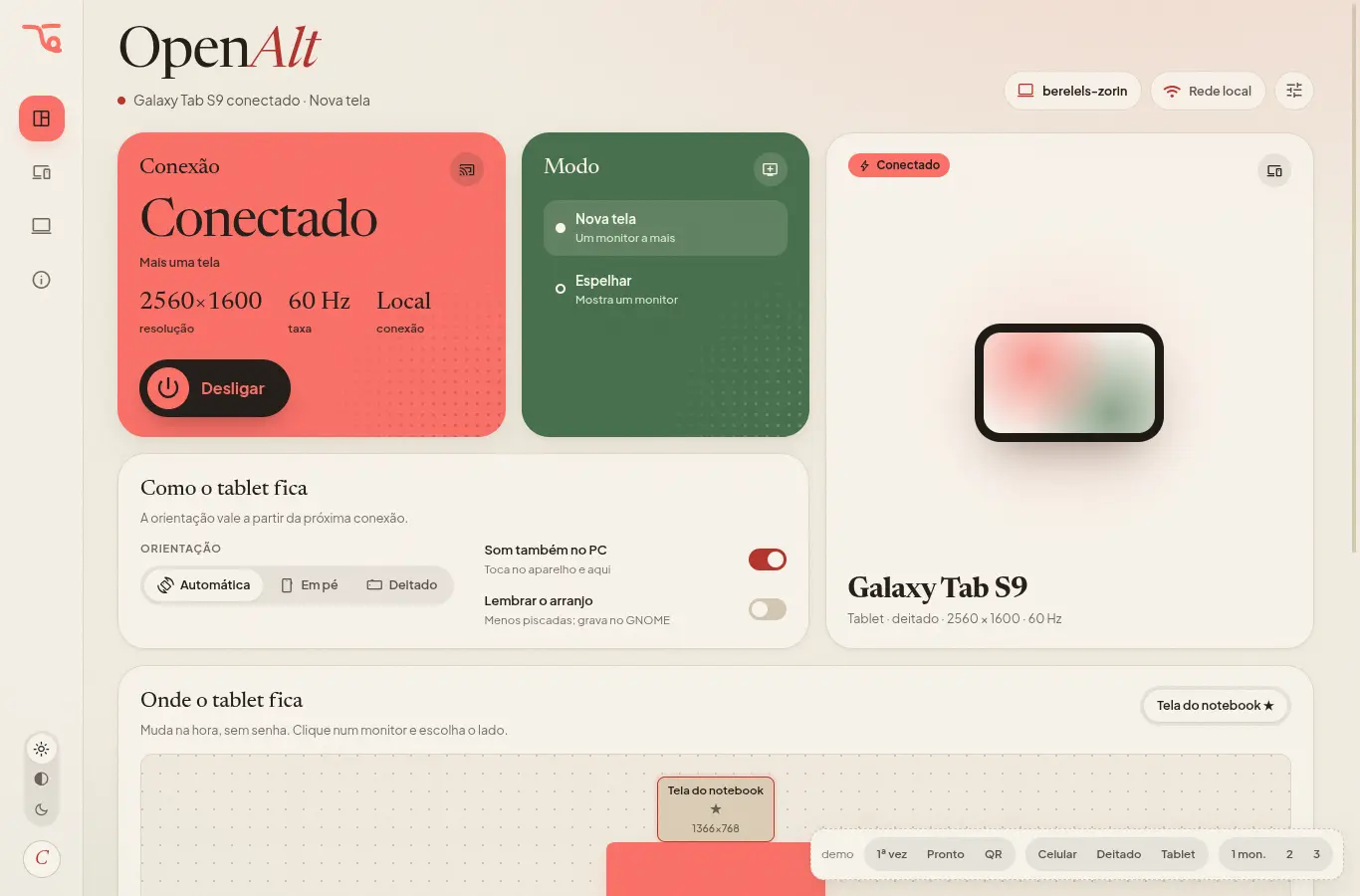
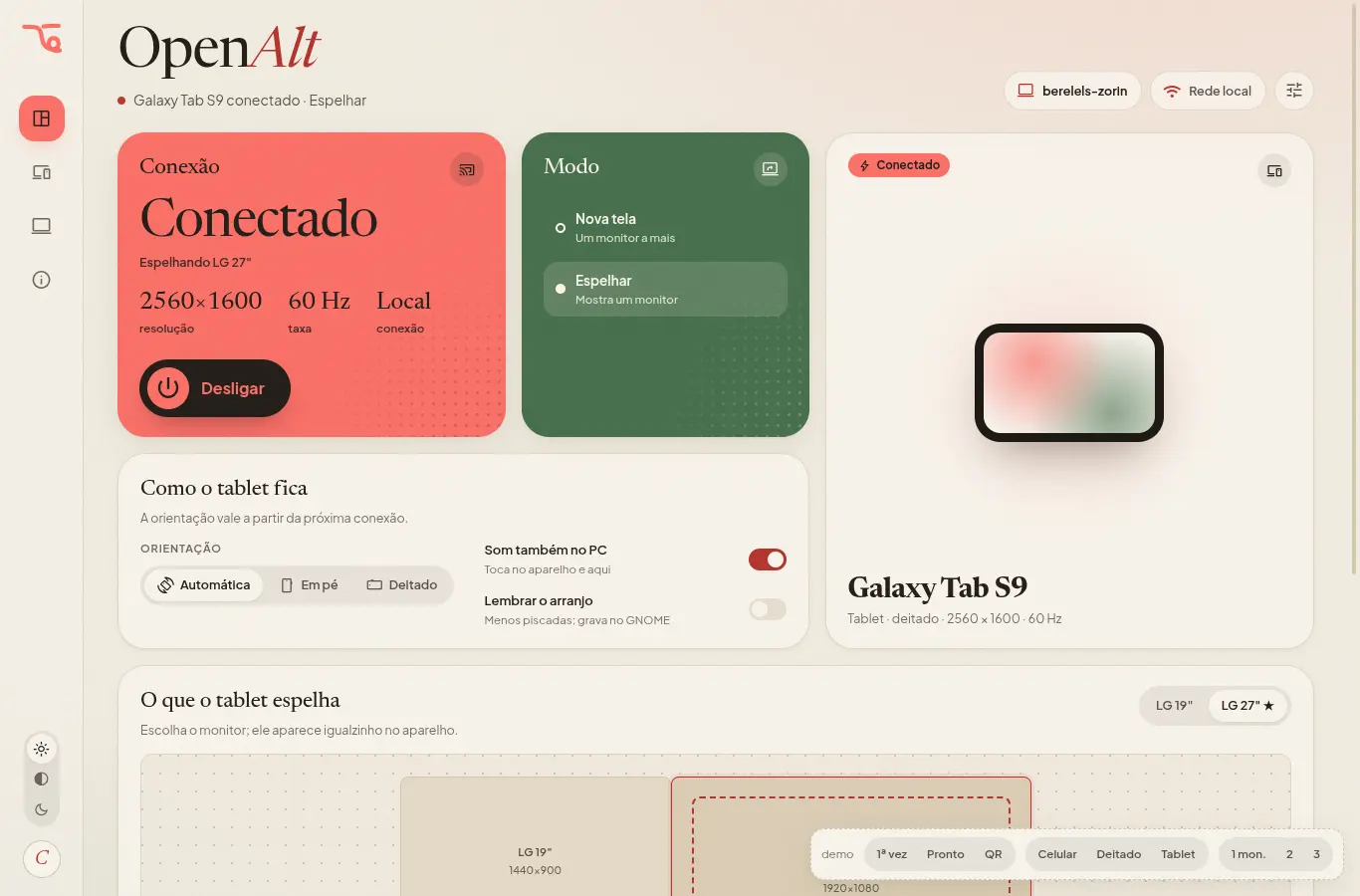
OpenAlt turns a phone or tablet into an extra screen for the PC, or a mirror of it. At home over Wi-Fi, away from home through your own Tailscale. One QR code and it’s ready.
The hard part of second screen apps is never the stream. It’s the setup: drivers, ports, resolutions, which side the screen sits on. OpenAlt spends its effort there, with a guided first run and a layout you drag into place.
Built on Sunshine and a fork of Moonlight. In preview, open source under GPL.
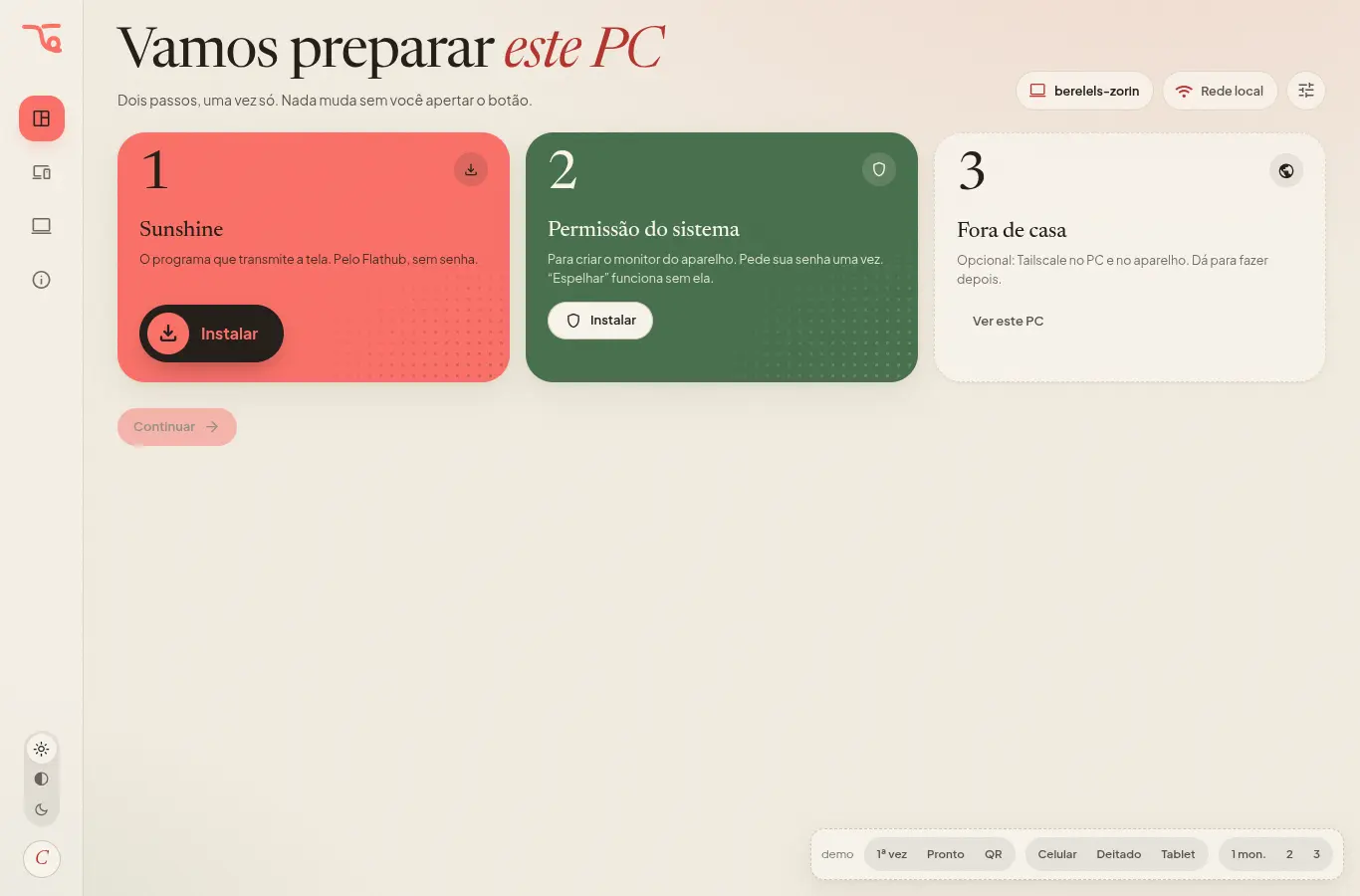
Most second screen tools ask you to install three things, open ports and guess a resolution. Half the people give up before the first frame shows up.
Three steps, then done. The first run installs what’s missing, asks for the system permission once and explains what happens away from home.
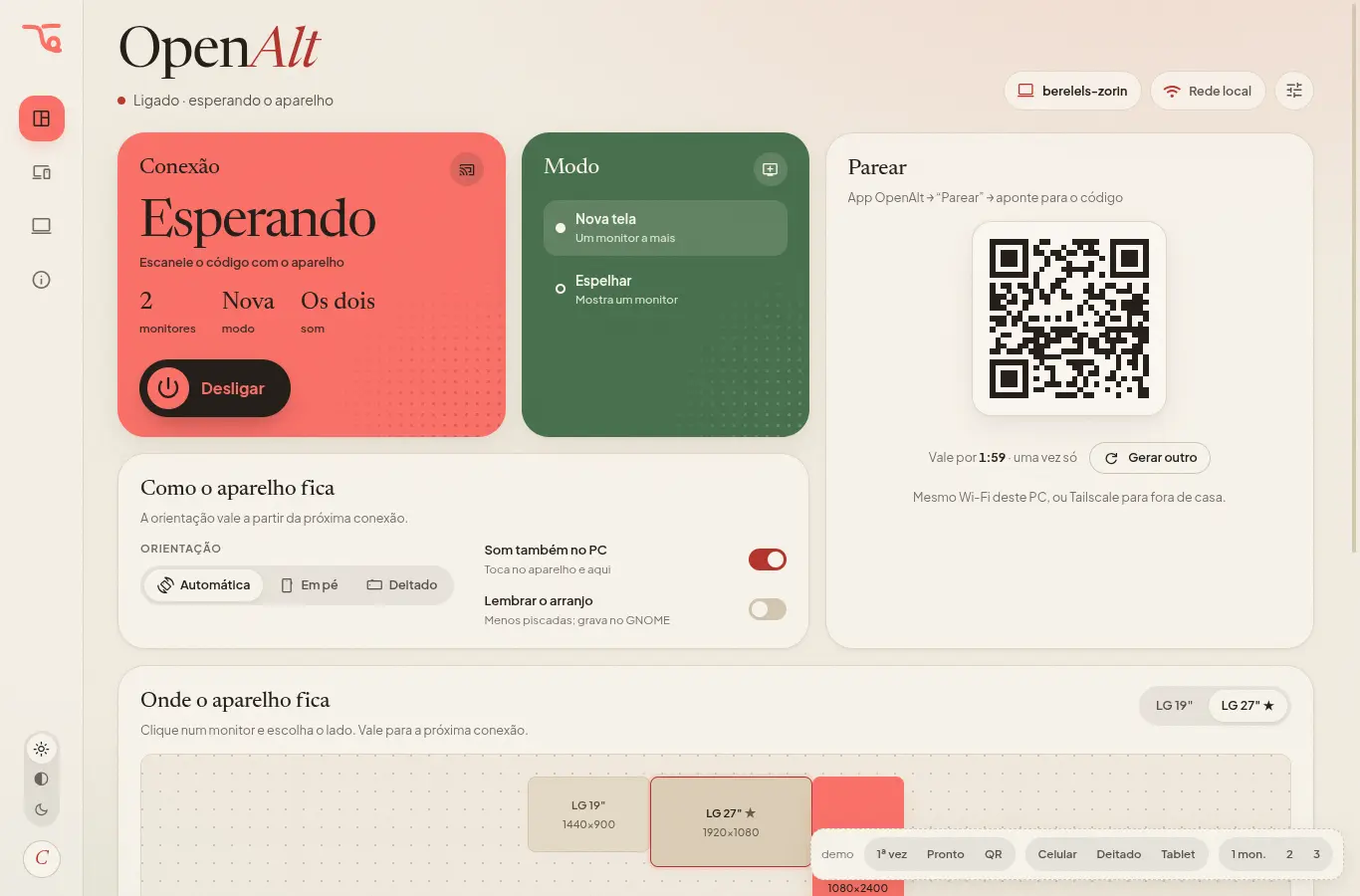
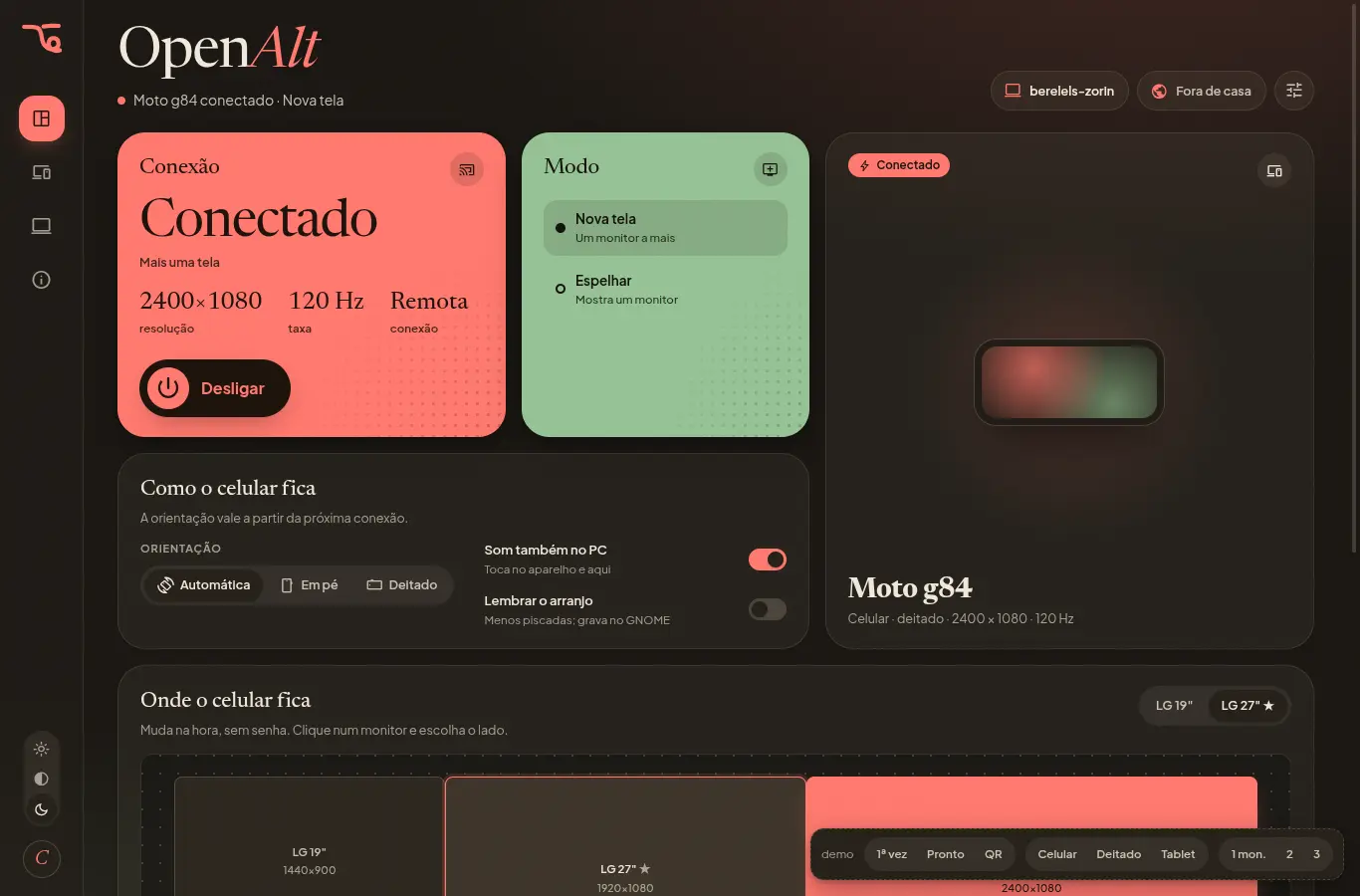
Where the screen sits. A layout map you drag to match your desk, so the mouse leaves the laptop in the right direction.
Extend or mirror. Use the device as a new screen or copy the main one, and remember each device’s choice.
An Android launcher that doesn’t fight for your attention, live on the Play Store
A management system for Grupo Hermes: stock, sales, cash and reports in one place