New screen
A real extra monitor at your device’s own resolution: right, left, above or below any of your monitors. Drag a window over and it opens maximized.
side: right · align: centerYour Android phone or tablet becomes a second monitor, a mirror of your PC, a game screen and, new in 0.2.0, a desk panel with your music, volume and PC stats. Pair it with one QR code.
One more monitor, on any side of any monitor.
Any monitor of your PC, exactly as it is, in your hands.
Your PC games on the sofa, with or without a controller.
Over 4G, 5G or any Wi-Fi, through Tailscale.
A desk panel for your PC, without streaming. Music, controls, stats.
Pick one every time you connect. The PC streams through Sunshine; the phone or tablet shows it with the OpenAlt app.
A real extra monitor at your device’s own resolution: right, left, above or below any of your monitors. Drag a window over and it opens maximized.
side: right · align: centerShow your main screen, or any other one, exactly as it is on the phone or tablet in your hands. The sound goes to the device.
mirror: any monitorYour PC games on the sofa or in bed, streamed by Sunshine. Plug in a controller if you like.
up to your screen’s HzLeave the PC at home and take its screen with you, over 4G, 5G or any Wi-Fi, with Tailscale and your own account. No port to open.
encrypted · your accountNo stream and no load on your graphics card: the PC only sends data, over your home network, to the devices you paired. Pick “Dock” in the PC app, then tap your PC on the phone.
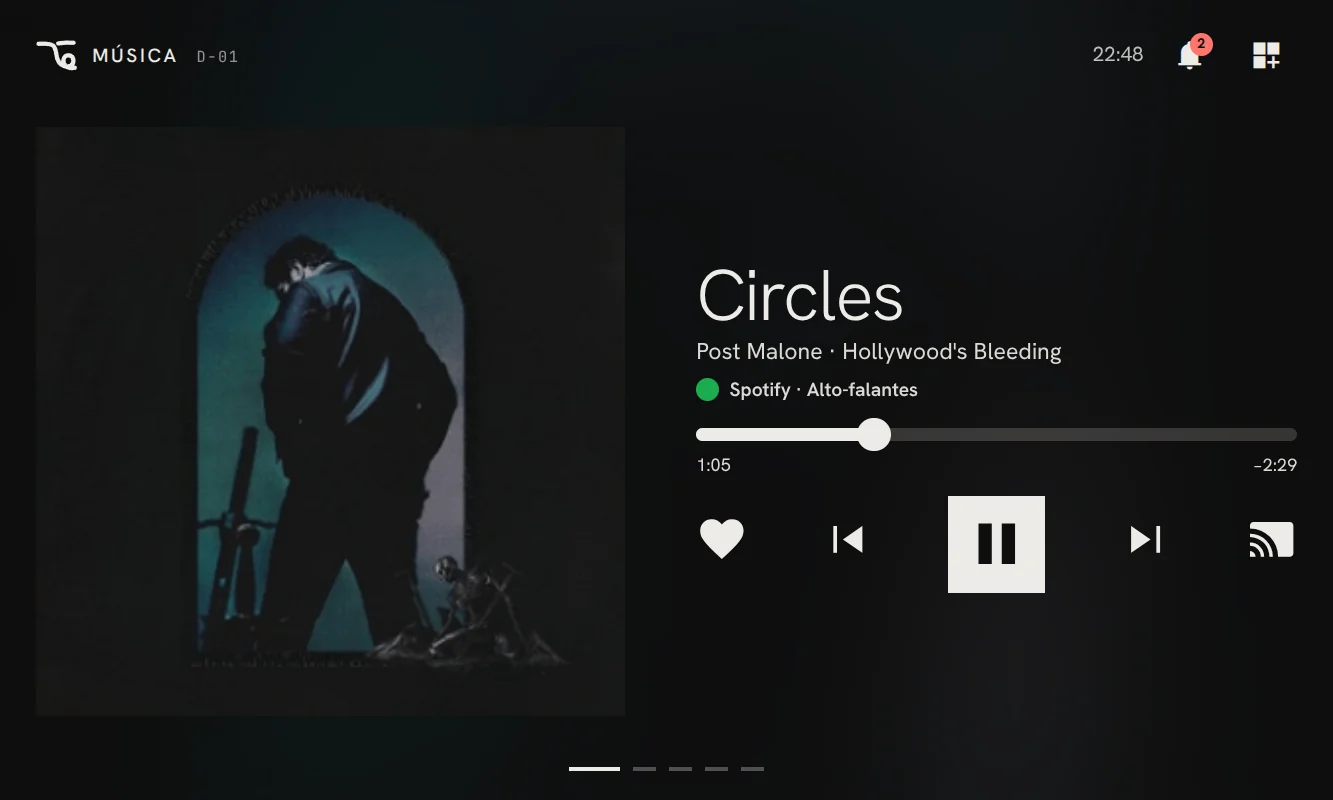
Cover, synced lyrics and big controls. Spotify, YouTube in the browser, VLC. With no lyrics, the cover takes the screen.
Volume up to 150%, output and input, apps playing, shortcuts and a drawer with your PC’s apps and favourites.
Processor and graphics card load and temperature, memory, network and the weather where you are.
When nothing plays, the time, big. The music starts and the player comes back on its own.
Hide and reorder pages. Square or rounded corners, your choice.
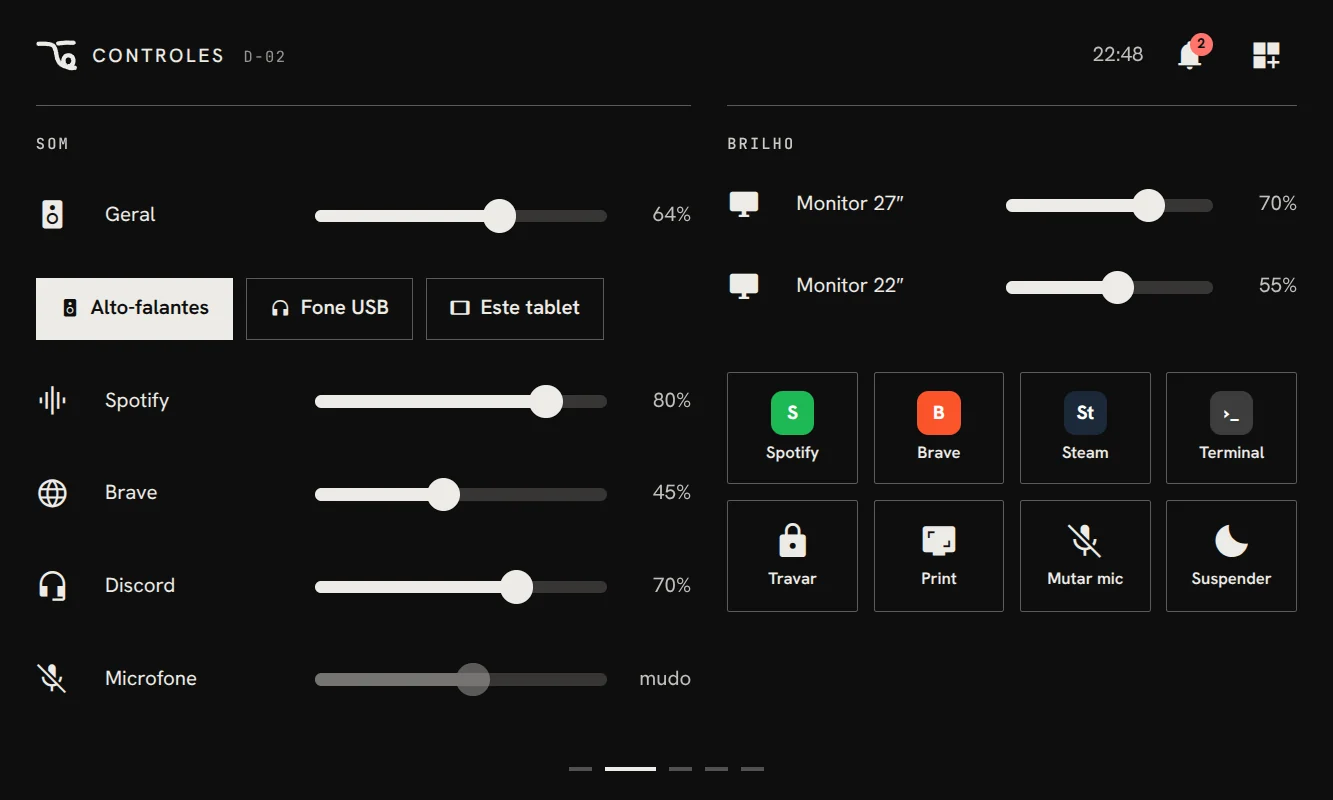
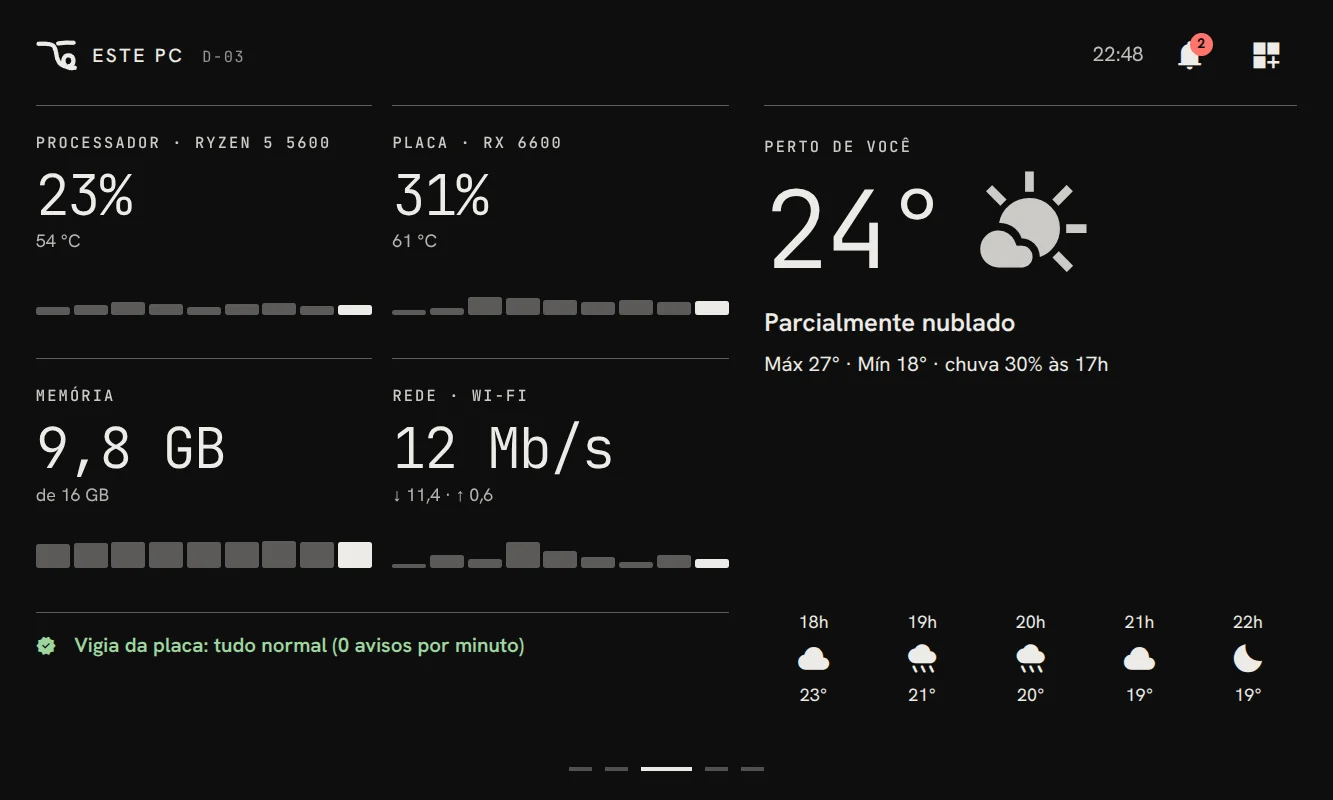
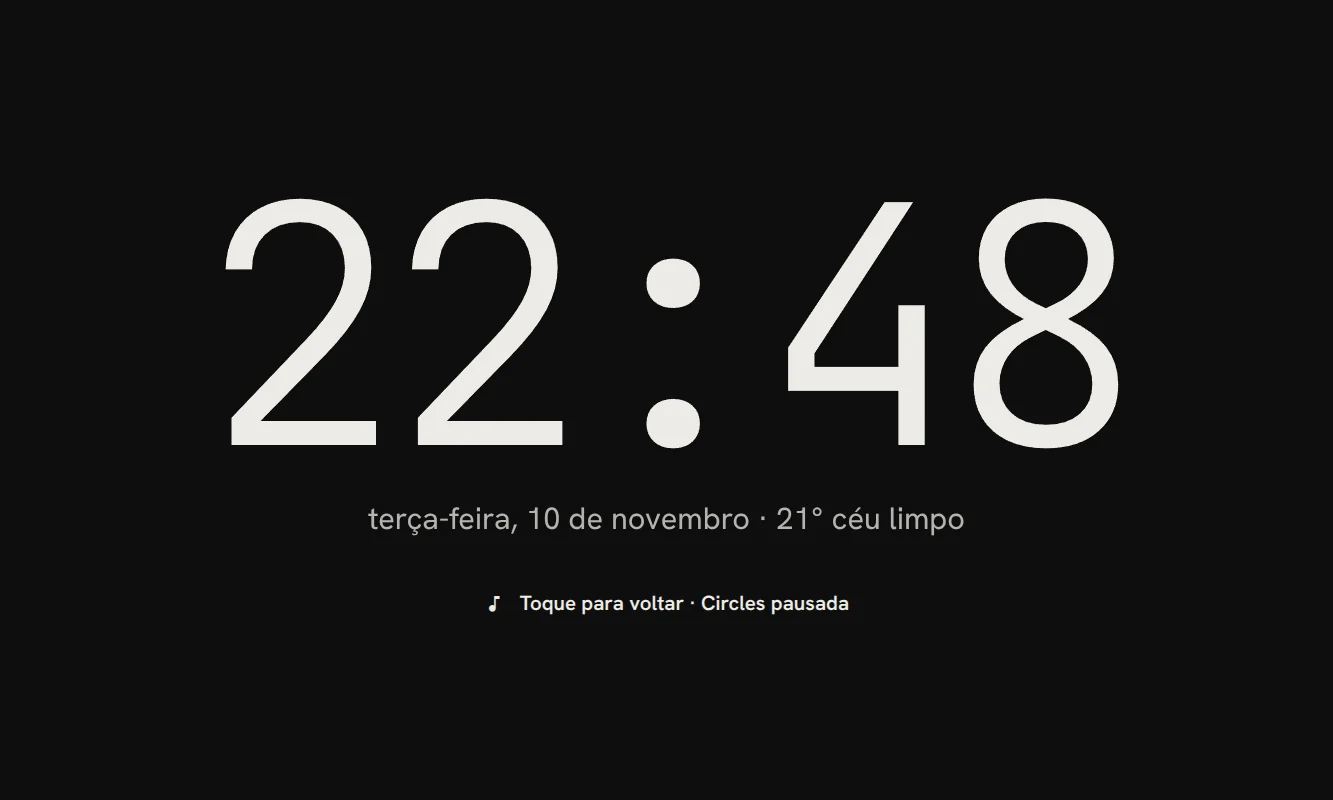
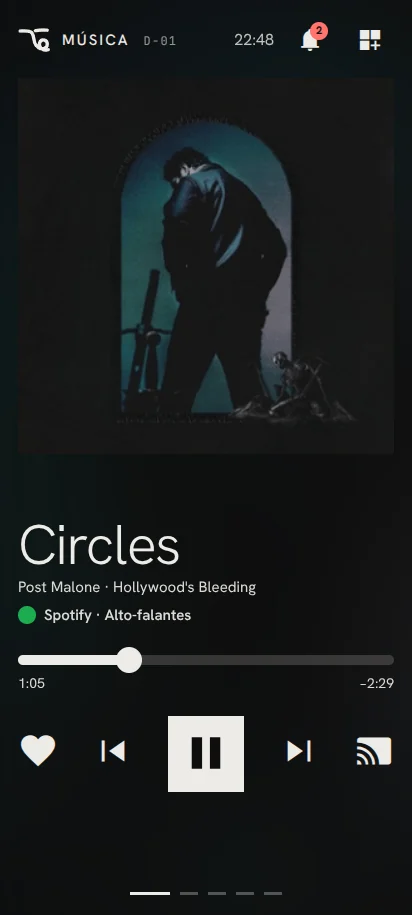
Works only at home, on your local network. Screens in Portuguese.
OpenAlt sets up Sunshine with its own config. Yours stays untouched. Linux today, Windows next.
Nothing runs until you press the button. Press it again and everything goes back to how it was.
Open the OpenAlt app on the phone and point it at the code. It works once and expires in two minutes. No PIN.
Right, left, above or below any monitor you have. Phone or tablet, standing or lying down. OpenAlt doesn’t assume your setup.
GPL-3.0. No ads, no account, no tracking. Read every line of the code.
Source code ↗Single-use pairing code that expires in two minutes.
to open on your router. Away from home it goes through Tailscale, with your own account.
Streaming by Sunshine (LizardByte) and the Moonlight protocol. The Android app is a fork of Moonlight Android.
Moonlight Android ↗Available now, GNOME on X11. Windows is next; Wayland after that.
Any phone or tablet with Android 5 or newer. The app scans the QR and connects on its own.
OpenAlt is a free, open source app that turns an Android phone or tablet into a second monitor, a mirror of a Linux PC, a game screen or a desk panel called the Dock. You install it on the PC and on the device, then pair them by scanning one QR code.
Yes. OpenAlt is licensed under GPL-3.0, with no ads, no account and no subscription. The downloads and the source code of every version are on GitHub.
Linux PCs with GNOME on X11 today: an AppImage for any distribution and a .deb for Ubuntu, Debian, Zorin and Pop!_OS. Windows is next; Wayland comes after that.
Any phone or tablet with Android 5 or newer, standing or lying down, placed on any side of any monitor.
The Dock, new in version 0.2.0, turns a phone or tablet into a desk panel beside your monitor: music with cover and synced lyrics, volume up to 150% and audio devices, shortcuts and your PC’s apps, processor and graphics card temperature, the weather, and a big clock when nothing plays.
No. The PC only sends data (the song, the volume, the temperatures) over your home network, so it doesn’t load the graphics card. It works only on the local network and only with devices you paired.
Yes, to mirror your PC over 4G, 5G or any Wi-Fi, through your own Tailscale account, with no router port to open. The Dock works only at home.
Pairing uses a single-use QR code that expires in two minutes, with no PIN. The PC only accepts devices you paired, and forgetting a device cuts it off from the stream and the Dock at once. Nothing about you is sent anywhere.
Install on the PC, get the app on the phone, scan once. Empowering anyone to stream anywhere.
Windows · coming soon · v0.2.1 · SHA256SUMS